
Portfolio management requires an Enterprise subscription. Click here to compare our plans and upgrade your plan.
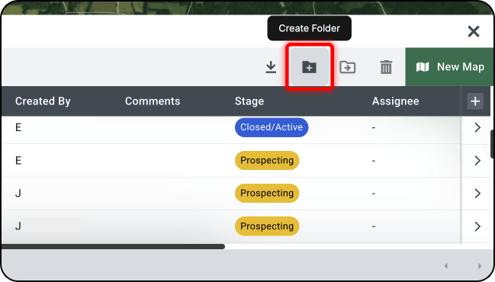
From the far top right side of the Portfolio Panel, click the Folder + Icon.
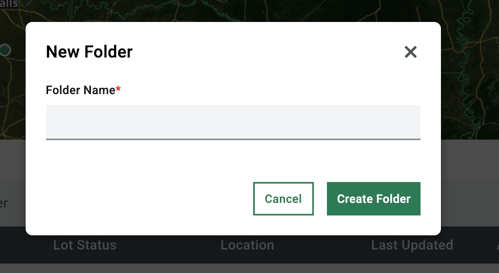
- A window will open prompting you to name and create the folder.
Note: You can create up to 5 subfolders for further organization
Related Articles:
Learn how to move maps into a folder
Learn how to create a saved map
Learn how to view team maps in portfolio
Learn how to manage saved files in your maps