Some of our layers require a subscription. Access to ALL 13,000+ layers requires an Enterprise subscription specifically. Click here to compare our plans and upgrade your plan.
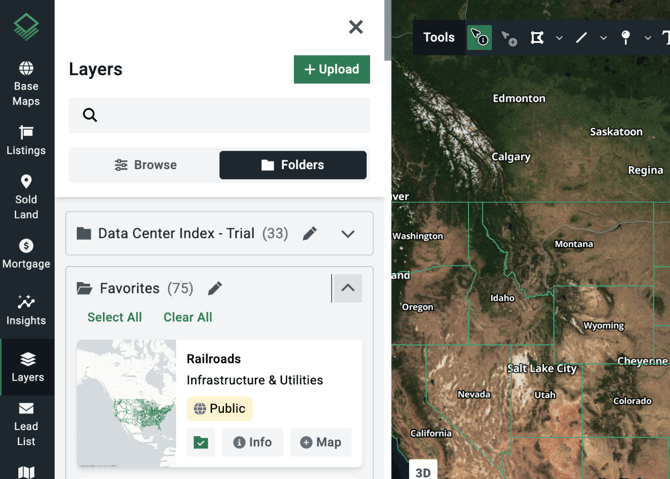
If you frequently need to access the same data, you can create folders for your data layers within the library. To find your folders, open the Layers tab on the left hand menu. Select the Folders menu, located below the search bar.
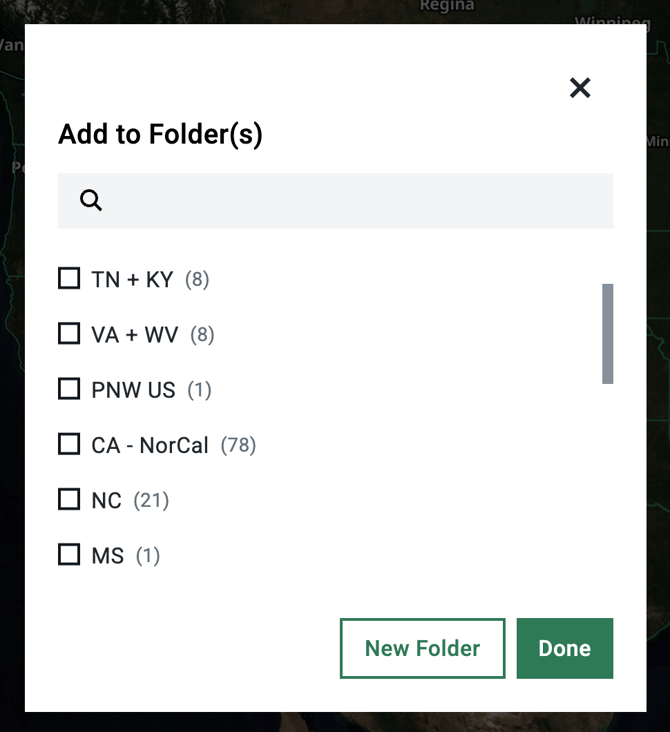
You can create new folders for any topic or theme by selecting New Folder.
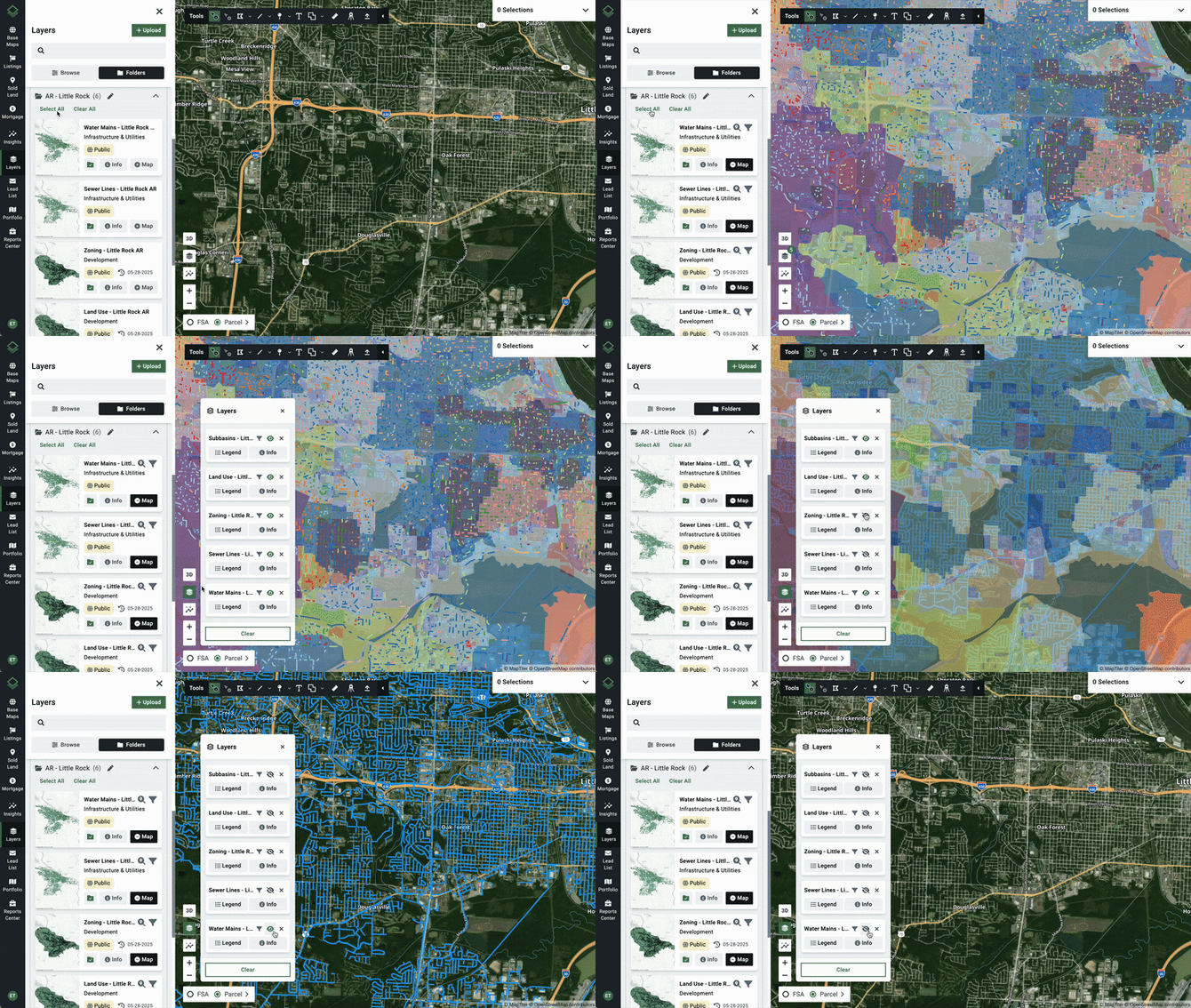
Folders are useful not only for storing related datasets, but also for quickly turning on and off multiple layers all at one time. To do this, open a folder and click Select All. This will enable every data layer inside that folder.